FAQ: How do I uninstall the GlobalProtect VPN agent on Mac?
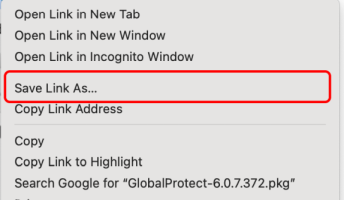
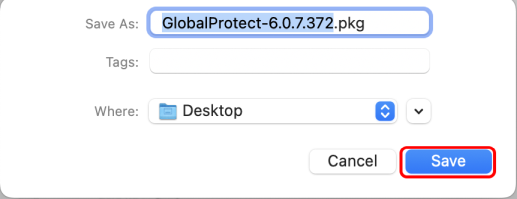
Download the GlobalProtect Agent from GlobalProtect-6.0.7.372.pkg by right-clicking on the link and select Save Link As.
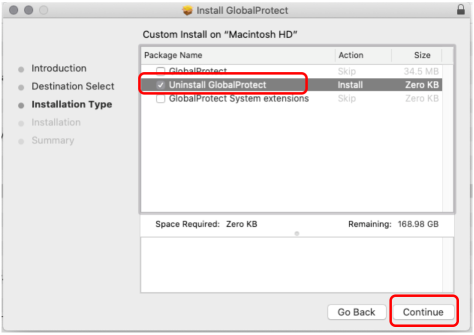
Run that agent, check the "Uninstall Global Protect" and click Continue to delete your currently installed agent.